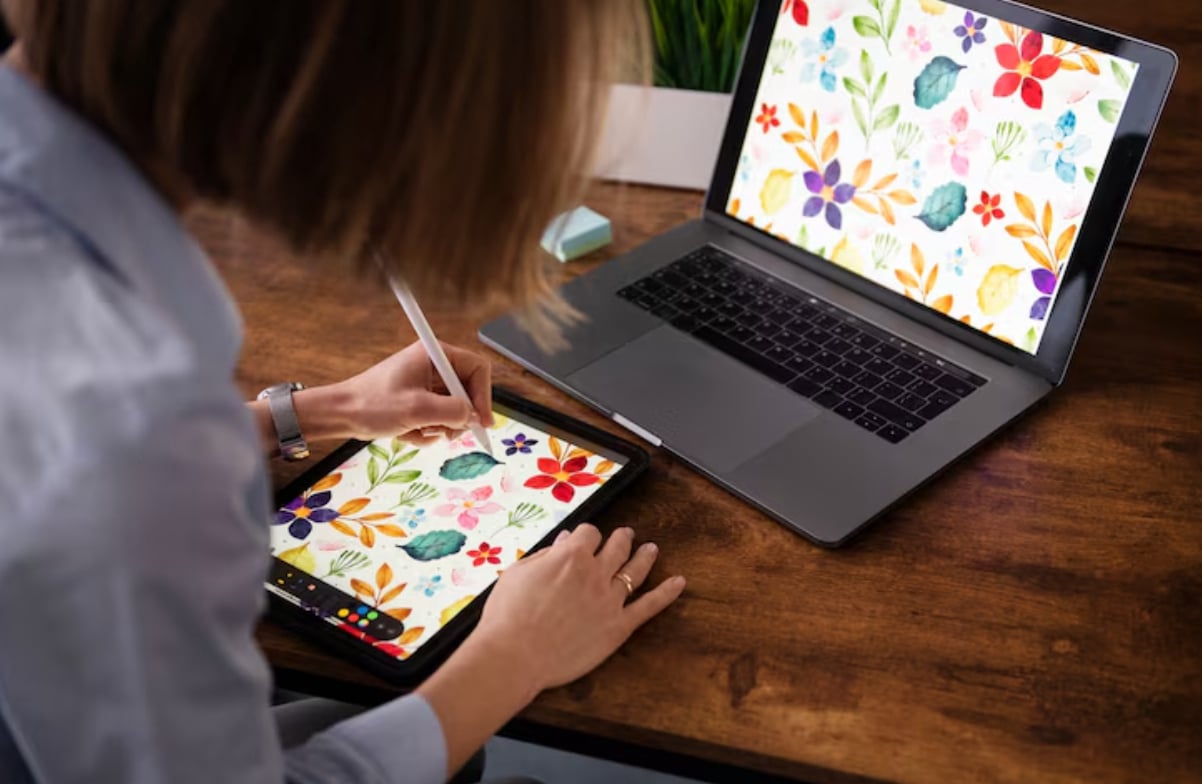
Insights and guidance for image editing.

This space is dedicated to exploring image editing techniques and creative workflows. We discuss methods, tools, and artistic approaches to visual projects. Our content is created to share knowledge and foster a community of enthusiasts.

What We Offer

Practical Guides

We create step-by-step articles that break down specific editing tasks. These guides aim to clarify processes and offer different ways to achieve a visual result.

Software Insights

We explore the features and potential of various editing applications. For instance, we often examine the versatile toolkit available in GIMP and how it can be applied to different projects.

Creative Exploration

Our content goes beyond technical steps to discuss composition, color theory, and artistic intent. We look at how editing choices influence the final piece.

What We Do

This platform is centered on the art and technique of image editing. We publish articles, tutorials, and thought pieces that delve into the practical aspects of manipulating digital visuals. Our goal is to create content that is both informative and thought-provoking, covering a range of topics from basic corrections to advanced compositing. We write for anyone with an interest in transforming their images, regardless of their primary software choice.

A significant part of our work involves exploring accessible and powerful tools. We dedicate substantial space to discussing GIMP, a capable editor that offers a wide array of features for various tasks. Our articles might cover its interface, specific filters, or workflow optimizations, always aiming to help users navigate its possibilities more effectively. We believe understanding a tool's potential is key to unlocking creativity.

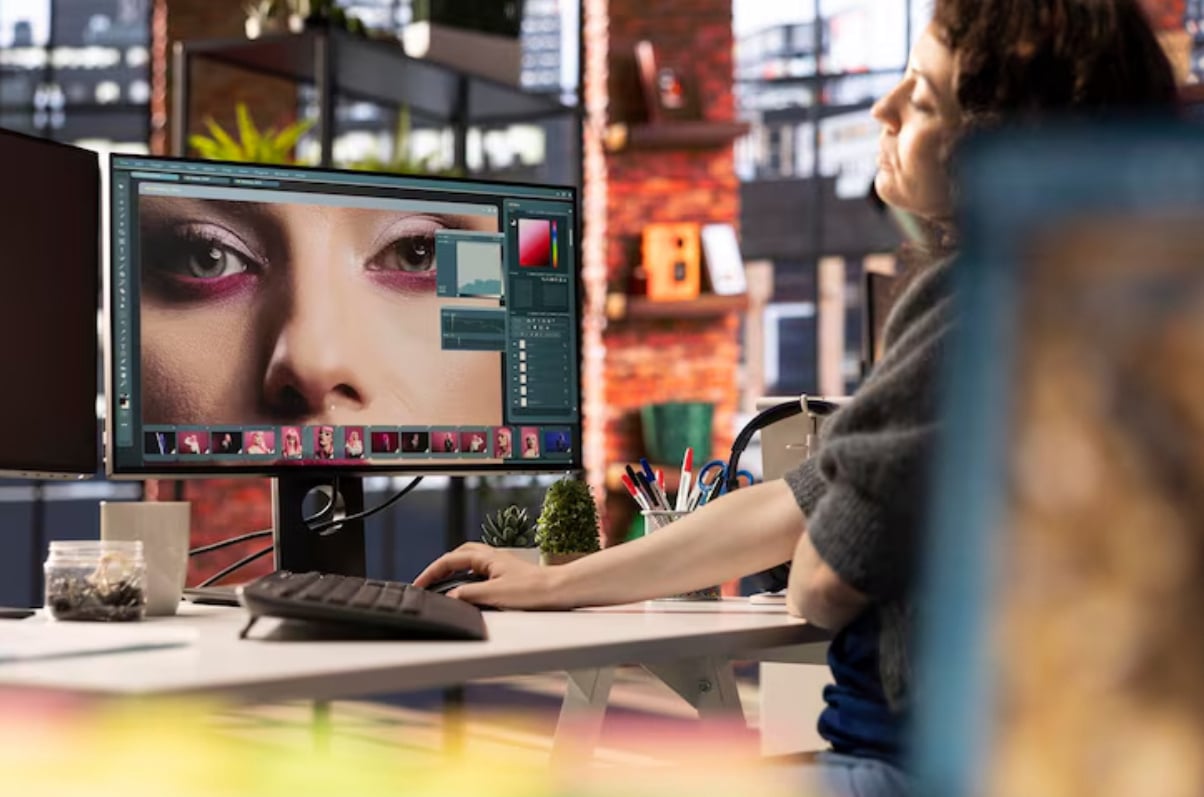
Blog

Understanding Layers in GIMP: The Digital Canvas Analogy

When you begin working with an image editor, the concept of layers often seems abstract. Think of layers as individual, transparent sheets of acetate stacked on top of each other. You can draw, paint, or place elements on each sheet without affecting the others beneath it. This structure is fundamental in applications like GIMP and forms the backbone of complex image composition. It completely changes how you approach editing, moving from permanent changes to a flexible, organized workflow.

Non-Destructive Editing: Utilizing Layer Masks in Your Workflow

A common hurdle for new editors is the fear of making permanent mistakes. Layer masks offer a solution by providing a reversible way to control a layer's visibility. Instead of using the Eraser tool, which permanently deletes pixels, you paint on a mask with black, white, or gray. Painting with black conceals parts of the layer, while white reveals them. This non-destructive method is a cornerstone of professional workflows in many editors, including GIMP, and preserves your original image data at all times.

Color Correction Fundamentals: Adjusting Levels and Curves

Many images can benefit from a technical adjustment to their tonal range before any creative styling. The Levels tool provides a straightforward way to set the black point, white point, and midtones of your photo. By moving sliders, you can ensure the darkest areas are truly black and the brightest are white, which often adds immediate depth and contrast. This process, common in editors from GIMP to other professional software, solves problems like images appearing washed out or overly dark. It's a vital first step in color correction that creates a balanced starting point.

Expanding Possibilities: An Introduction to GIMP's Filters and Plug-ins

The core tools of any image editor handle most tasks, but filters and plug-ins act as specialized enhancements. GIMP comes with a wide array of built-in filters for blurring, sharpening, adding noise, or creating artistic effects like canvas textures. These filters can be applied to entire layers or selected areas to achieve results that would be time-consuming to create manually. They serve as both creative shortcuts and problem-solvers, such as using a subtle blur to reduce digital noise. Exploring these built-in options is a great way to discover new effects and accelerate your workflow.

About Us

Chroma Cascade Studio began as a personal project, a collection of notes and discoveries made while navigating complex image editing tasks. What started as a way to document techniques for personal reference gradually evolved into a structured blog. We realized that many of the challenges and solutions we encountered could be useful to others on a similar path. Our foundation is built on a genuine interest in the process of creating and refining digital imagery.

Today, we operate as a small, passionate team based in New York. Our focus remains on producing content that demystifies aspects of image editing. We are not affiliated with any software company; our perspective is that of dedicated users. Our editorial process prioritizes clarity and practicality, ensuring that each article provides tangible value. We see GIMP as a cornerstone of open creative software and frequently return to it as a subject for deep dives into functionality and technique.

Our Team

We are a compact team united by a shared curiosity for visual storytelling through editing. Each member brings a different background—some from design, others from photography or digital arts—which creates a diverse pool of knowledge.

Our collaborative process involves researching, testing techniques, and writing to make concepts accessible. We believe that the best insights often come from combining different viewpoints and hands-on experience. Our mission is to channel that collective exploration into the articles you find here.

FAQ

We often suggest starting with capable free and open-source software to learn core concepts without initial investment. GIMP is a frequent topic on our blog because it provides a comprehensive set of tools that introduce users to layers, masks, and filters, which are fundamental to image editing across many platforms.

Currently, our primary format is written articles and image-based guides. We find this format allows for clear, step-by-step instruction that readers can follow at their own pace. It also serves as a durable reference that can be easily revisited.

Color work involves several steps: starting with a properly calibrated monitor, understanding white balance adjustments in your editor, and learning to use tools like curves or levels. We have specific guides that break down these processes for different types of imagery.

Like any skill, it builds from foundational knowledge. It involves mastering selections, layer masks, and blending modes. We recommend approaching it through small, focused projects that tackle one technique at a time to gradually build a complex skill set.

We aim to publish new articles on a regular weekly schedule. Our process involves thorough research and testing to ensure the information we provide is accurate and useful, which dictates our publication timeline.

© Chroma Cascade Studio 2025 - All Rights Reserved
Cookie Privacy Policy